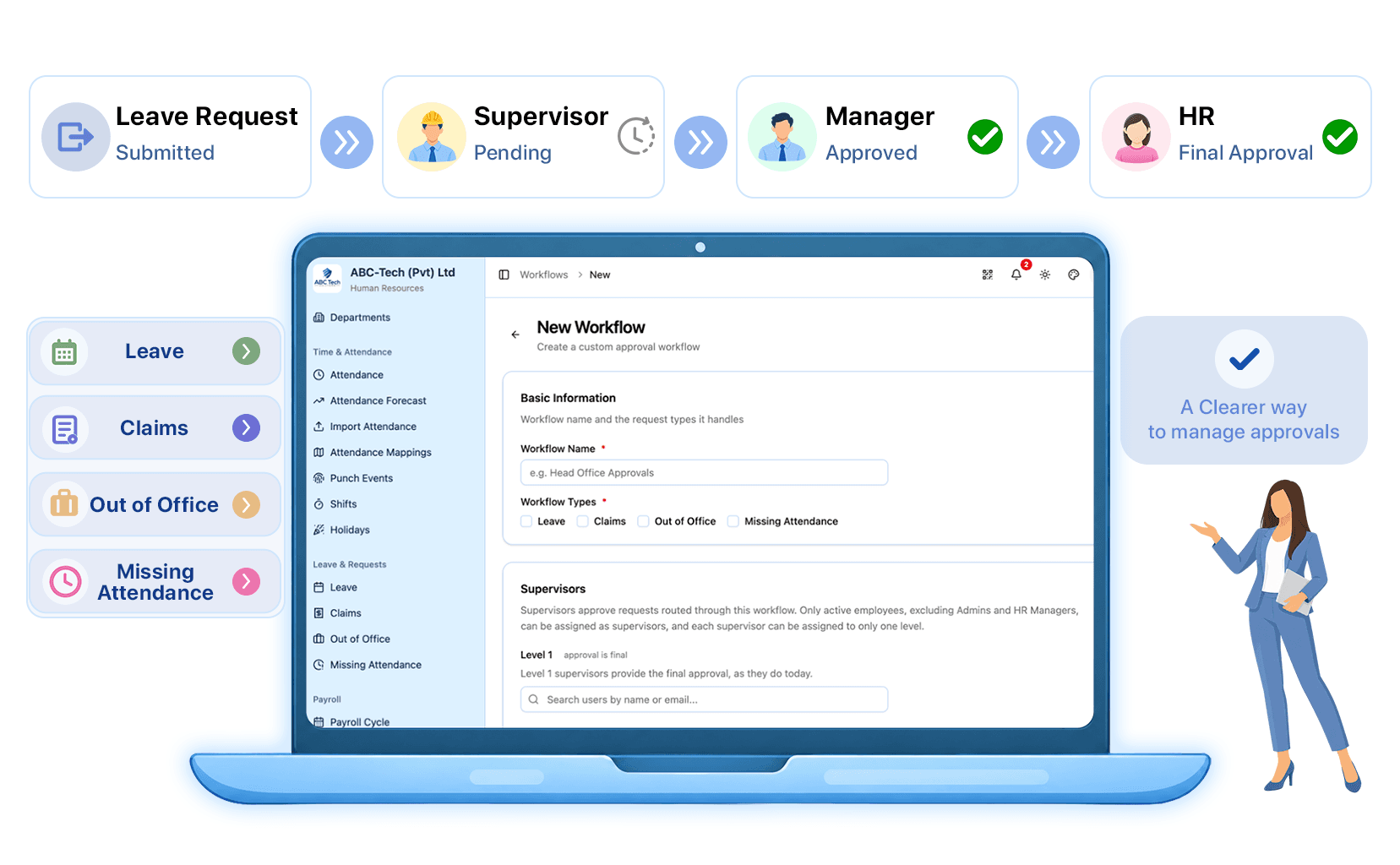
Approvals That Work the Way You Do
Workflow Management Features
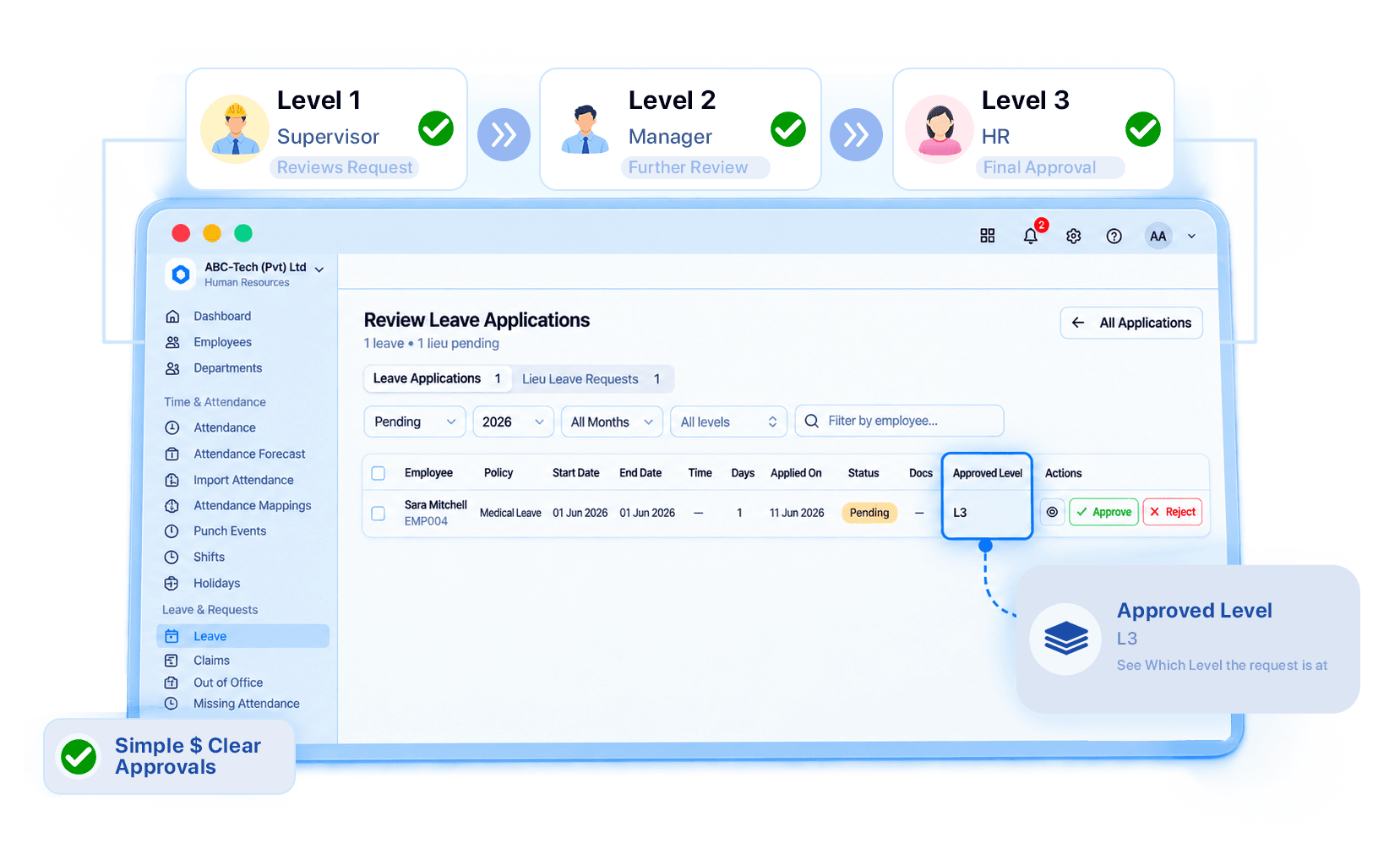
Not every HR request needs to follow the same approval process. With Unicorn HRM, you can set up workflows for Leave, Claims, Out of Office, and Missing Attendance, choose how many approval levels are needed, and assign the right people at each stage, so requests move through a clear process without HR having to manually forward or follow up every time.
- •Choose What Needs a Workflow
- •Add Approval Levels as Needed
- •Assign the Right People at Each Level
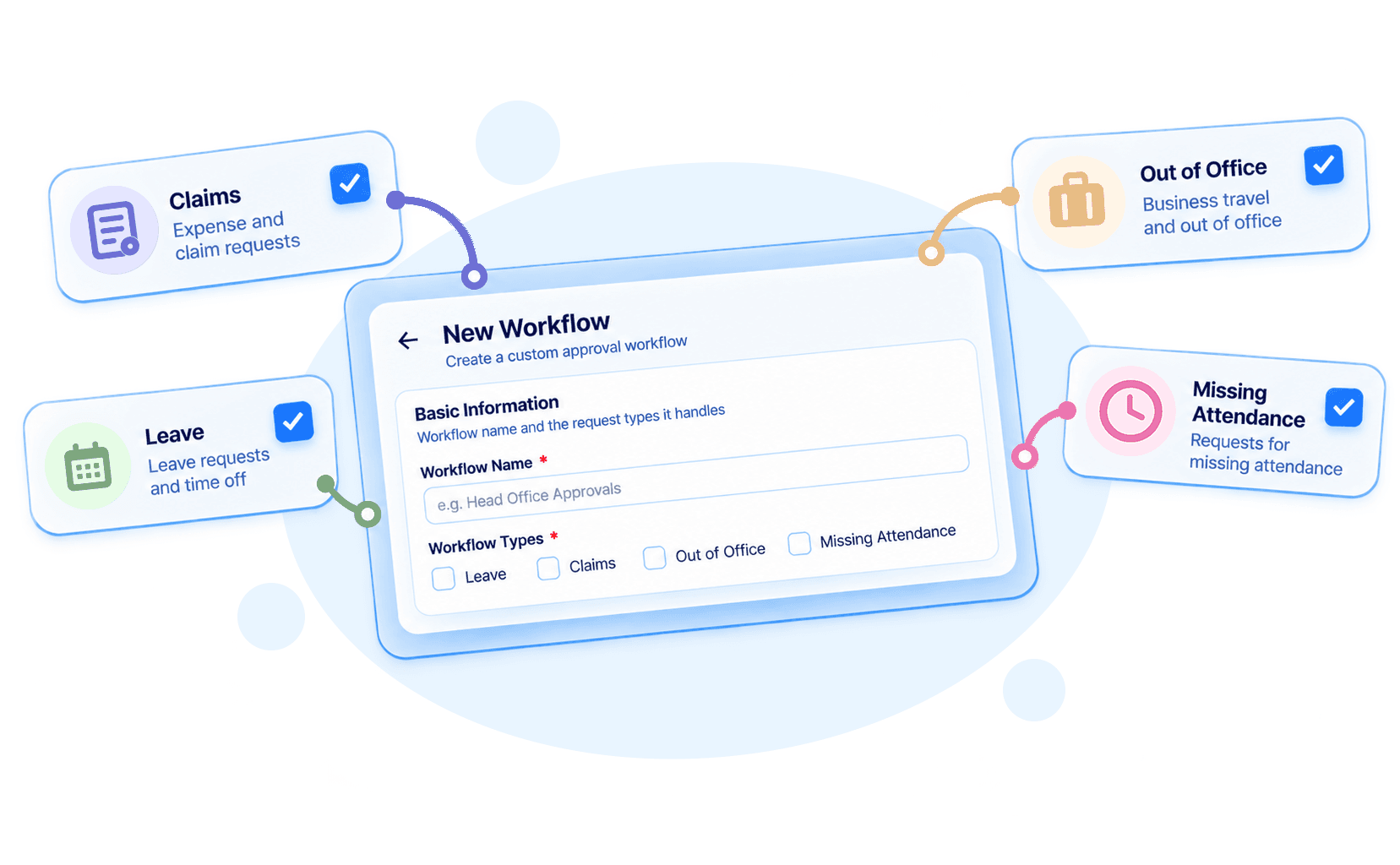
Choose What Needs a Workflow
Different requests can follow different approval paths. You can create workflows for Leave, Claims, Out of Office, and Missing Attendance, or use the same workflow across several request types. For example, leave might only need one manager’s approval, while a claim could go through a supervisor first and then HR.
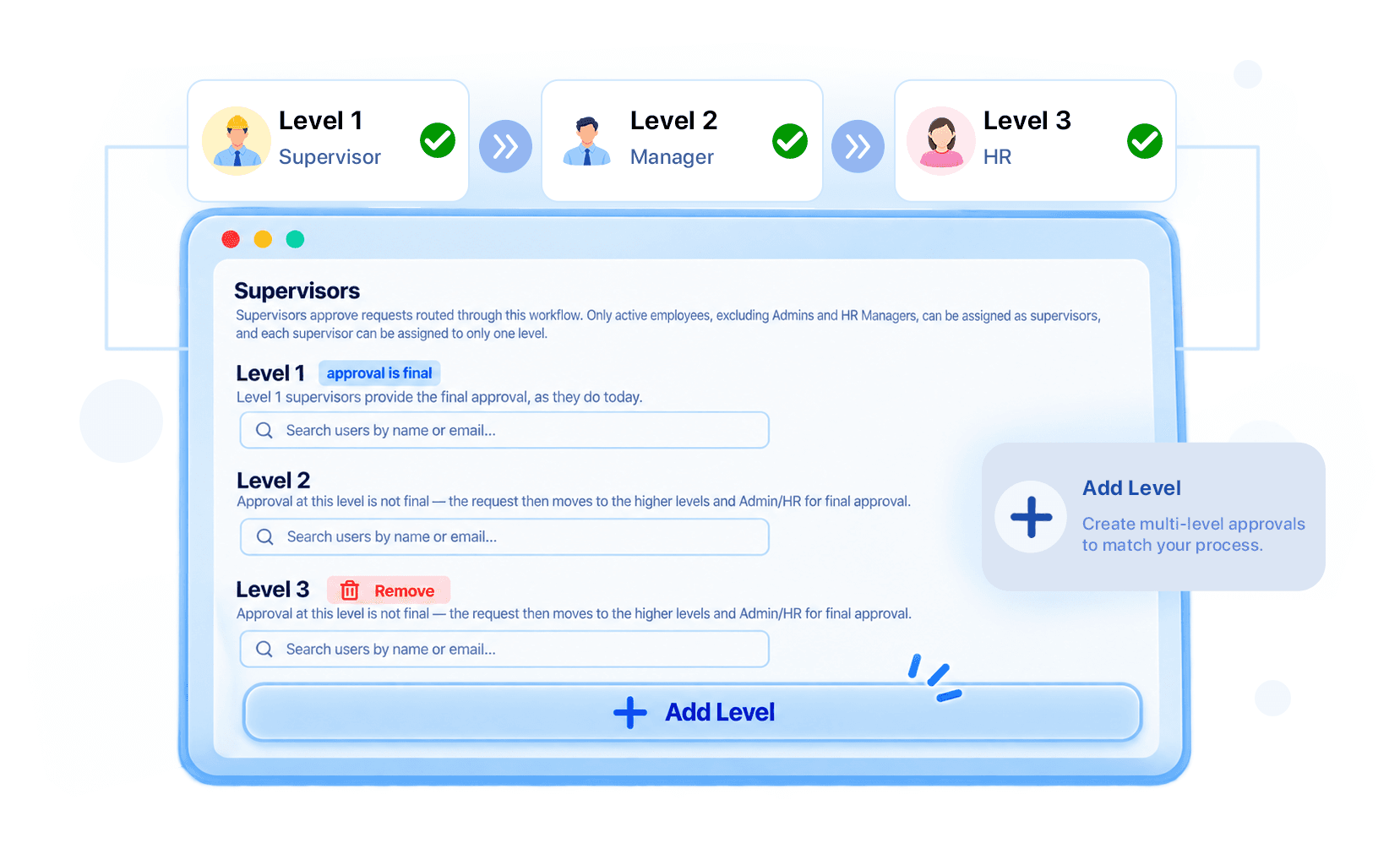
Add Approval Levels as Needed
Some requests are simple, while others need a few people to review them before they are approved. You can add one approval level or several levels depending on your internal process, so each request moves through the right steps in the right order.
Assign the Right People at Each Level
Choose who should handle each stage of the workflow. Once an employee submits a request, it moves through the supervisors, managers, or HR team members you have already assigned, reducing manual forwarding and making it clearer who needs to approve next.
FREQUENTLY ASKED QUESTIONS
Unicorn HRM is an HR management platform built for growing Sri Lankan businesses. It brings employee management, attendance, payroll, leave, and everyday HR activities into one place. Whether you're a small business building your team or a larger organization managing multiple departments, Unicorn HRM helps make HR simpler and more organized.
Transform the Way You Manage Your Workforce
Unicorn HRM brings employee management, attendance tracking, leave management, and HR processes into one streamlined system.